Start with the decision the worksheet supports
Keep a worksheet when the people using it can maintain the evidence, changes and decisions the investigation needs. Consider a different workflow when you can name an unmet requirement and demonstrate the gap. The number of rows alone does not settle that choice.
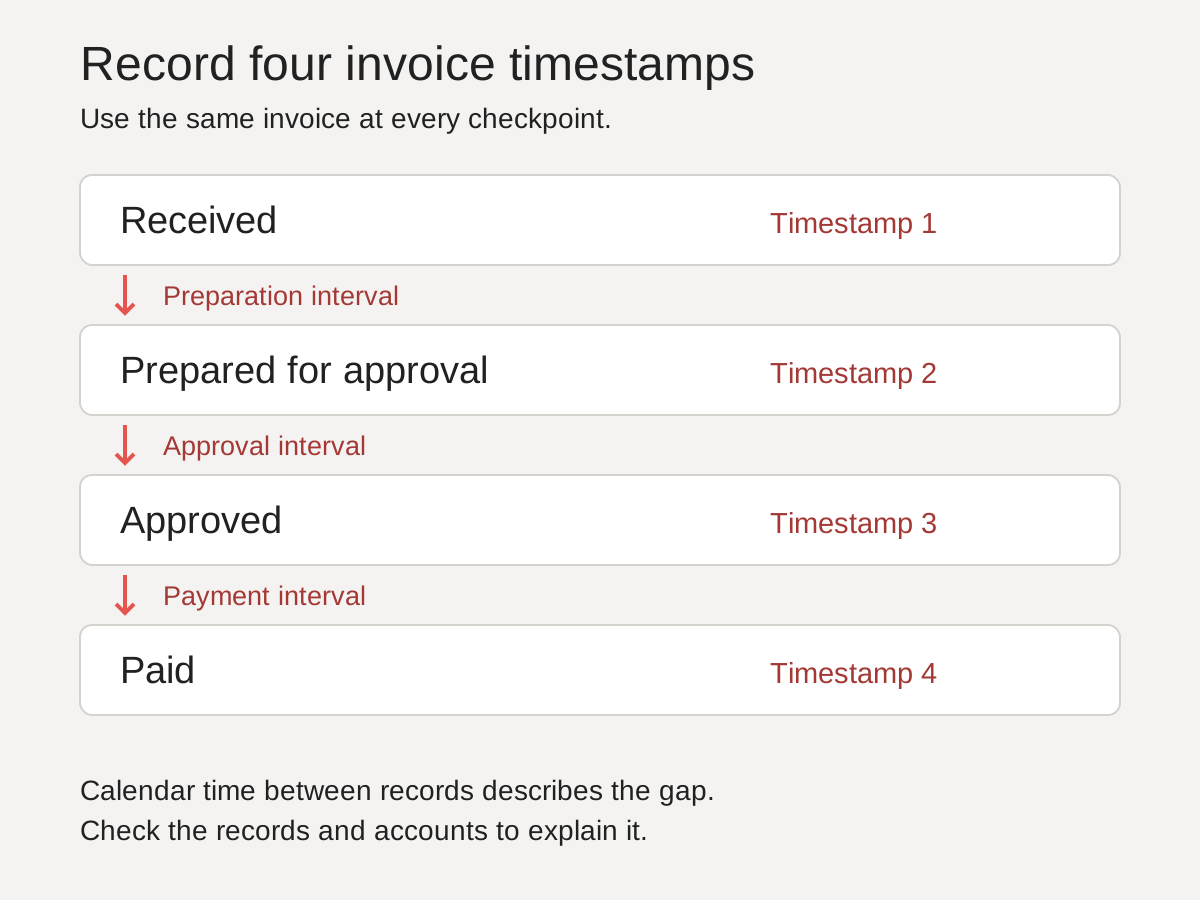
For example, the invoice investigation worksheet compares elapsed time between recorded checkpoints. Its ten synthetic invoices are enough to demonstrate that calculation. They do not establish a late-payment rate, a cause or a software requirement.
Before changing tools, write down the question, the people who need the answer and how they will check it. A workbook used by one analyst for a short comparison has different needs from a record several teams will amend over successive releases.
Test the requirements you actually have
| Requirement | Check in the current workflow | Record a gap only when |
|---|---|---|
| Source references | A reviewer can find the record behind a selected value | The reference is missing, inaccessible or points to a different version |
| Changes | The team can identify what changed and which version it accepted | A real review cannot reconstruct a material change |
| Concurrent work | Two intended contributors can complete an agreed task together | Their edits conflict or leave ownership unclear |
| Access | Intended readers can inspect permitted material | The actual permission arrangement does not meet the task |
| Maintenance | A named person can correct and extend the workbook | The required calculation or record cannot be maintained reliably |
Check these in the software edition and working arrangement you use. Spreadsheet products differ. An emailed attachment and a shared workbook with configured permissions are different arrangements, even when both contain the same cells.
A synthetic keep-or-change decision
Suppose two reviewers receive separate copies of an invoice workbook. One corrects a received date; the other writes a conclusion from the earlier value. This is an invented example of a version problem, not a measured customer result.
The immediate test could be one agreed review copy with a named owner and a record of the correction. Ask both reviewers to locate the accepted date and reproduce the interval. If that succeeds and the arrangement meets the access requirements, keep it. If it fails, record the unmet requirement before evaluating another tool.
| Requirement | Observed gap | Consequence | Next test | Decision owner |
|---|---|---|---|---|
| Review one accepted date | Two copies contain different values | The reviewers reach different interval totals | Use one agreed copy; trace the correction and recalculate | Investigation lead |
Copy this structure for your own decision:
| Requirement | Current method | Observed gap | Consequence | Next test | Decision owner |
|---|---|---|---|---|---|
| To complete | To complete | Not checked | To complete | To complete | To agree |
Choose the next step
Record keep, test a change or seek help, together with the evidence for that decision. A change may concern ownership or review practice rather than software. If you compare products, test the unmet requirement in the actual edition and include maintenance and migration work in the decision.
This is our proposed evaluation method. It does not supply a universal switching threshold or a claim that a replacement will save money. For a broader investigation, first agree the question and stopping condition. You can discuss that investigation with AutoSpark; the enquiry does not create a workspace or migrate a workbook.